JT Studio
The studio app I couldn't buy, so I built it.
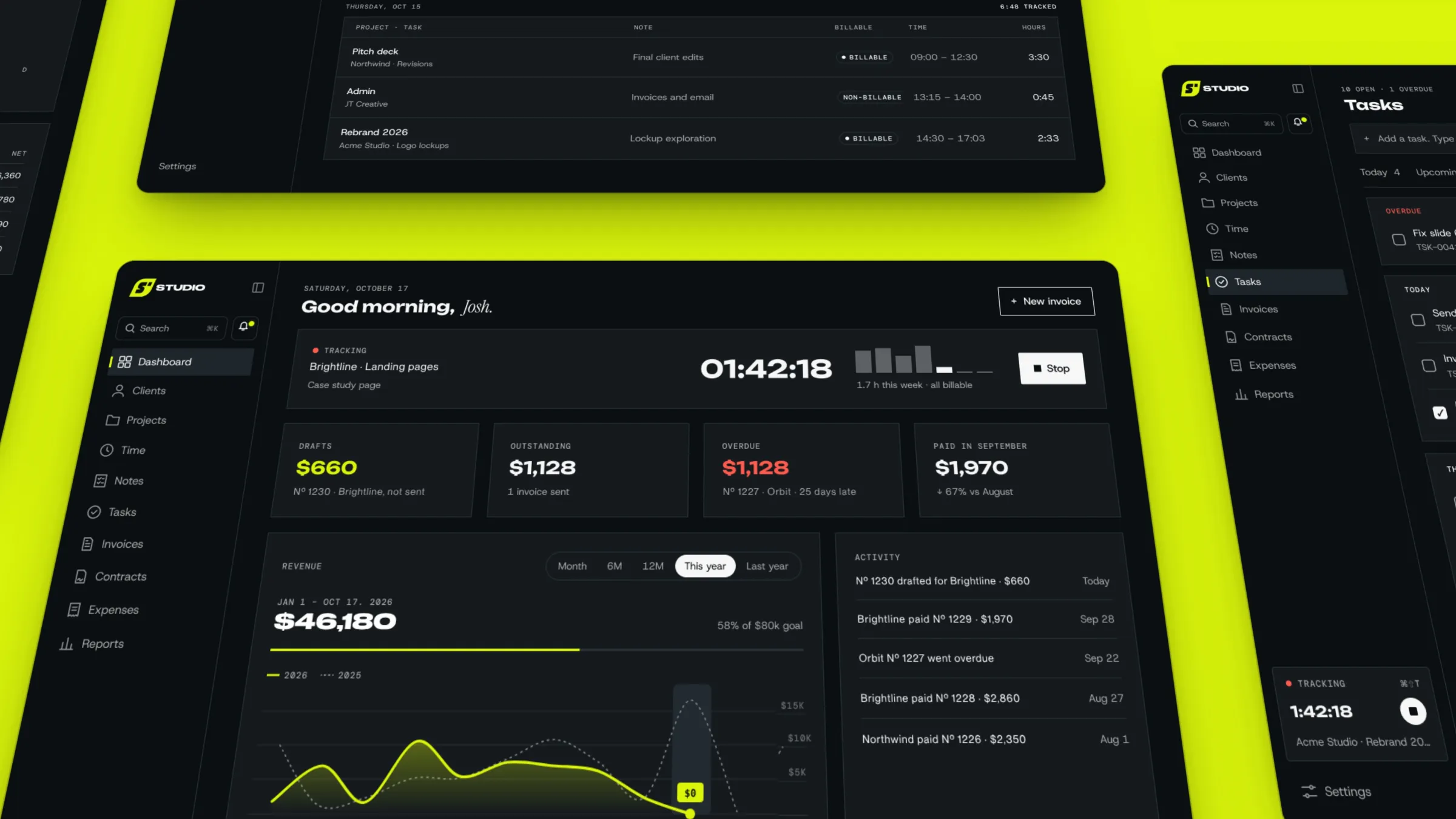
One app that runs the studio, not just the bills. Clients, projects, proposals, tasks, time and invoices live together, each tied to the client's full history. Boards give every project a place for moodboards, sketches and notes, and built-in SVG and video editors let me animate marks and cut screen recordings without leaving the app. Ask Studio, my Claude assistant, answers questions about the business, drafts invoices and reads receipts into expenses. Invoices show when they've been delivered and can add late fees on their own, and a floating Mac timer sends tracked time straight to an invoice. I'm still adding to it, and a client portal is next.
I designed JT Studio to carry the JT Creative brand all the way through. It feels energetic, like it's always working behind the scenes, taking care of the client busywork (onboarding, proposals, follow-ups and invoices) so I can focus on what matters most: the client work.
By the numbers
The short version of what it took and where it runs.
48 updates
shipped in the three weeks after launch
14 pages
in the sidebar, up from 9 at launch
$0
in App Store fees
2 editors
for video and animated SVG, built into the app
The brief
What I needed, what I had to work with, and how I went about it.
Wireframes
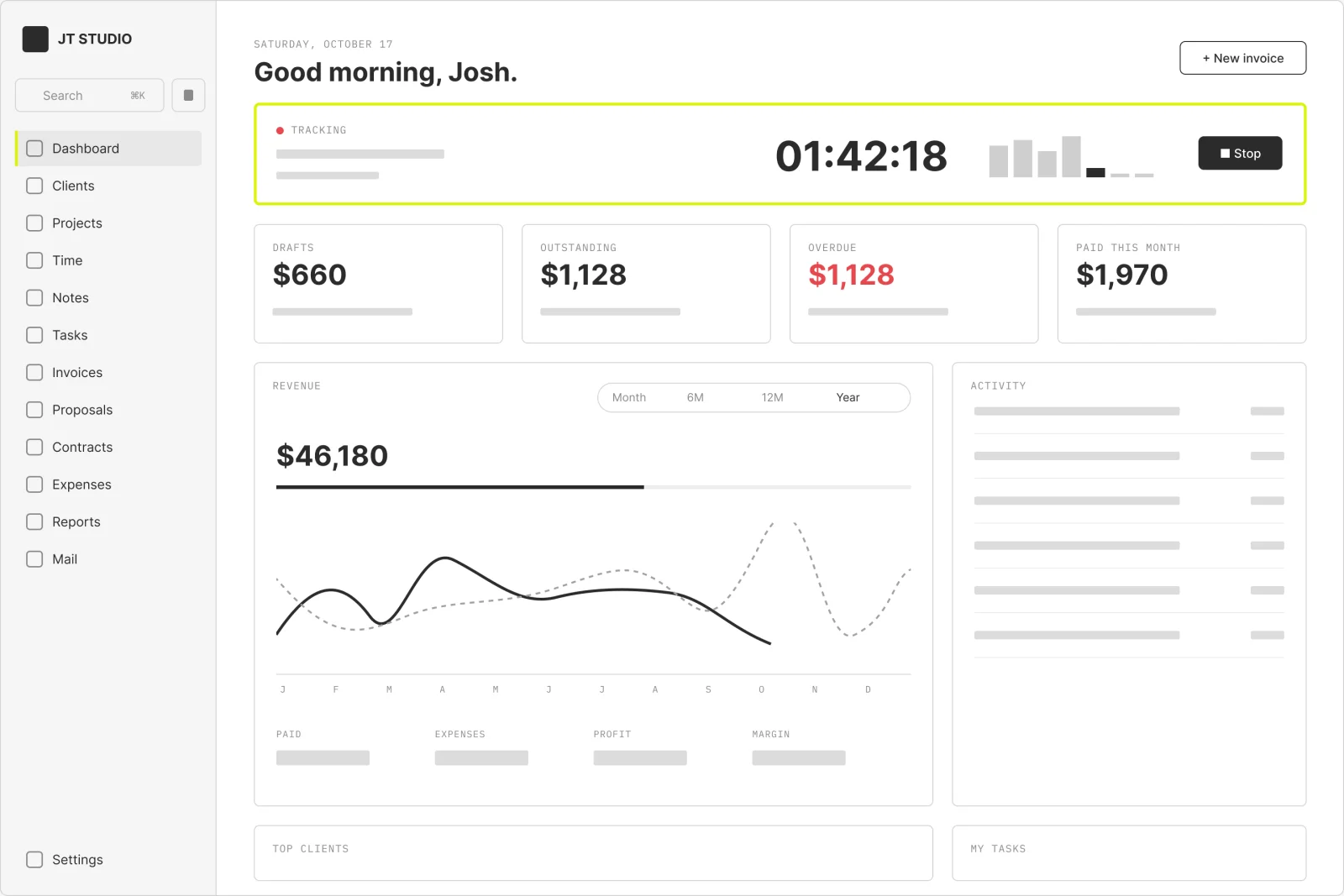
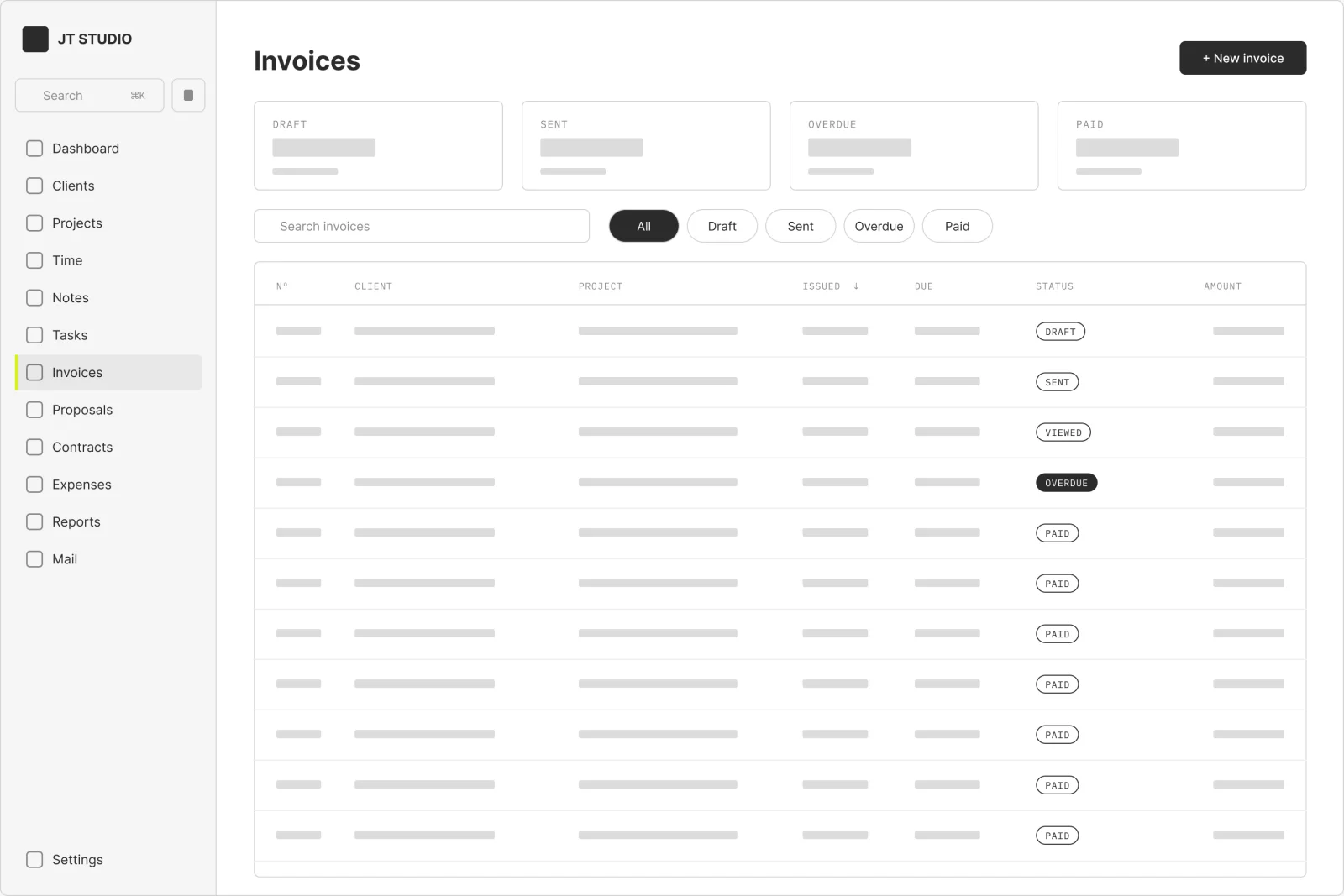
Low-fidelity layouts of the main screens, redrawn from the finished app. Grey bars stand in for text; lime marks the moments that mattered.
Dashboard
The home screen answers three things at a glance: what's running, what's owed and what's next. The timer sits on top because tracking time is the habit my old invoicing app made slow.
Invoices
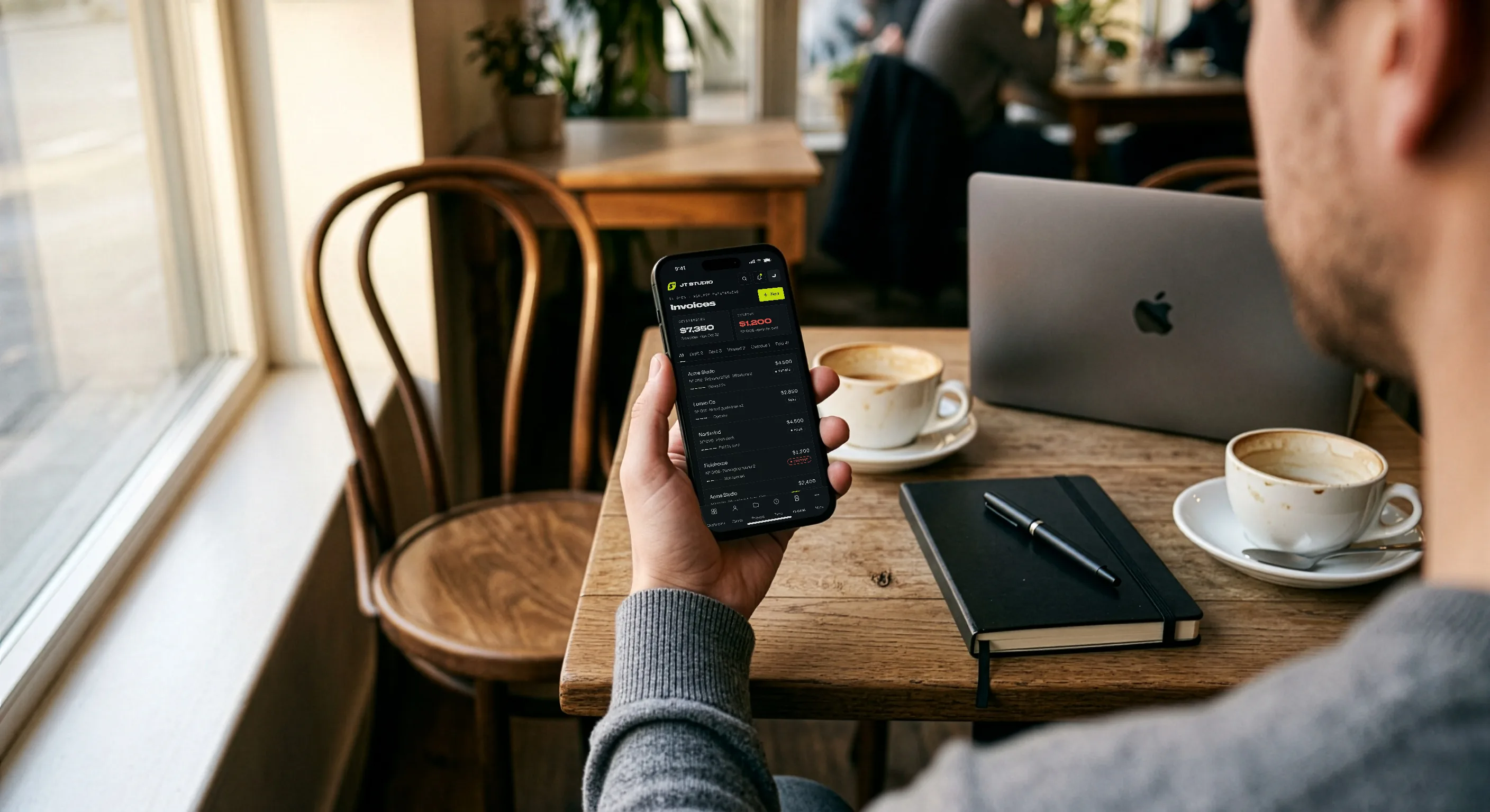
Every invoice from my old invoicing app came across with the same numbers, so no client's paper trail broke. Columns sort, the stat cards filter, and each status follows the email from Sent to Paid.
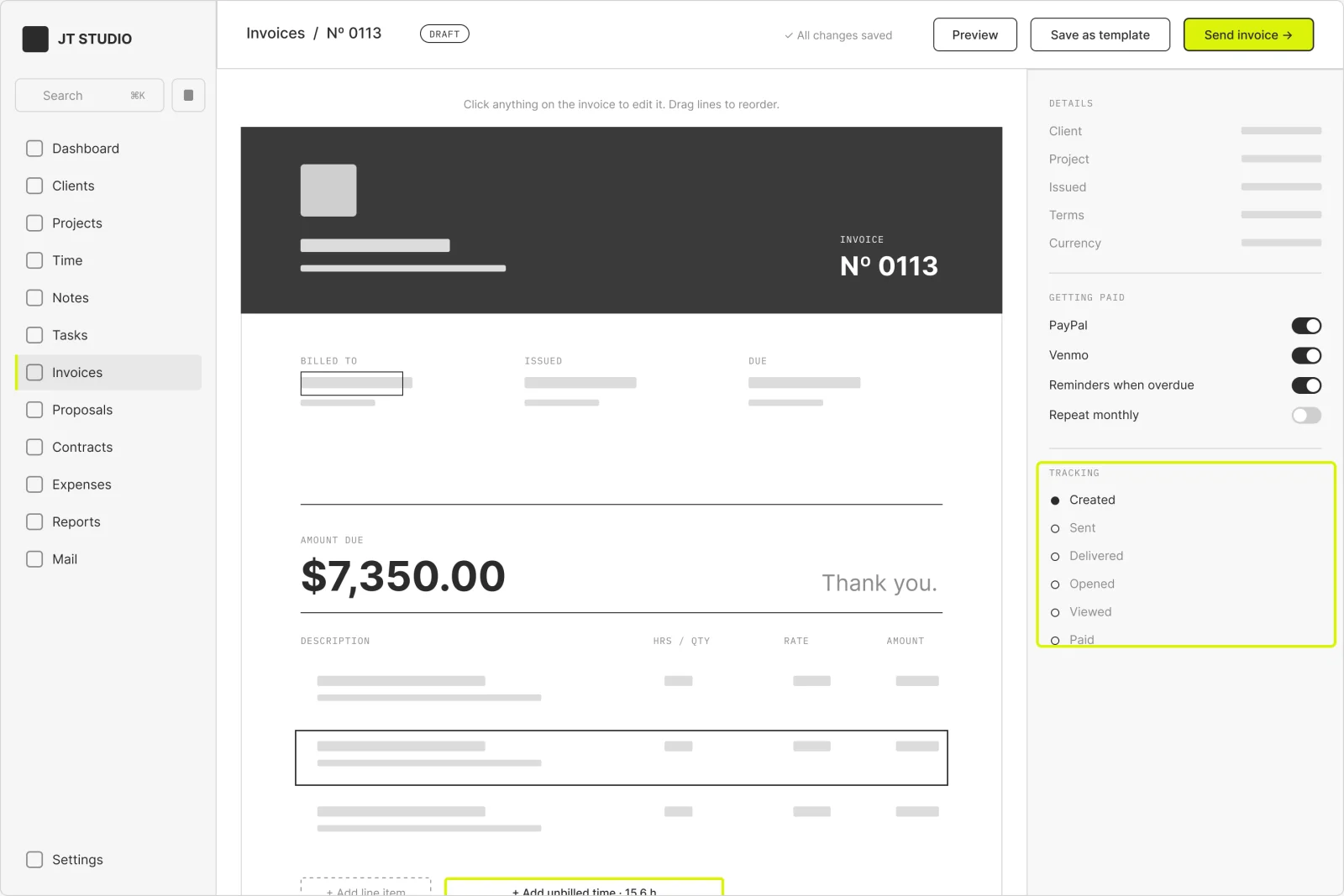
Invoice editor
I edit the invoice exactly as the client will see it. Unbilled time drops in as line items, and the right rail holds the pay options and a delivery tracker.
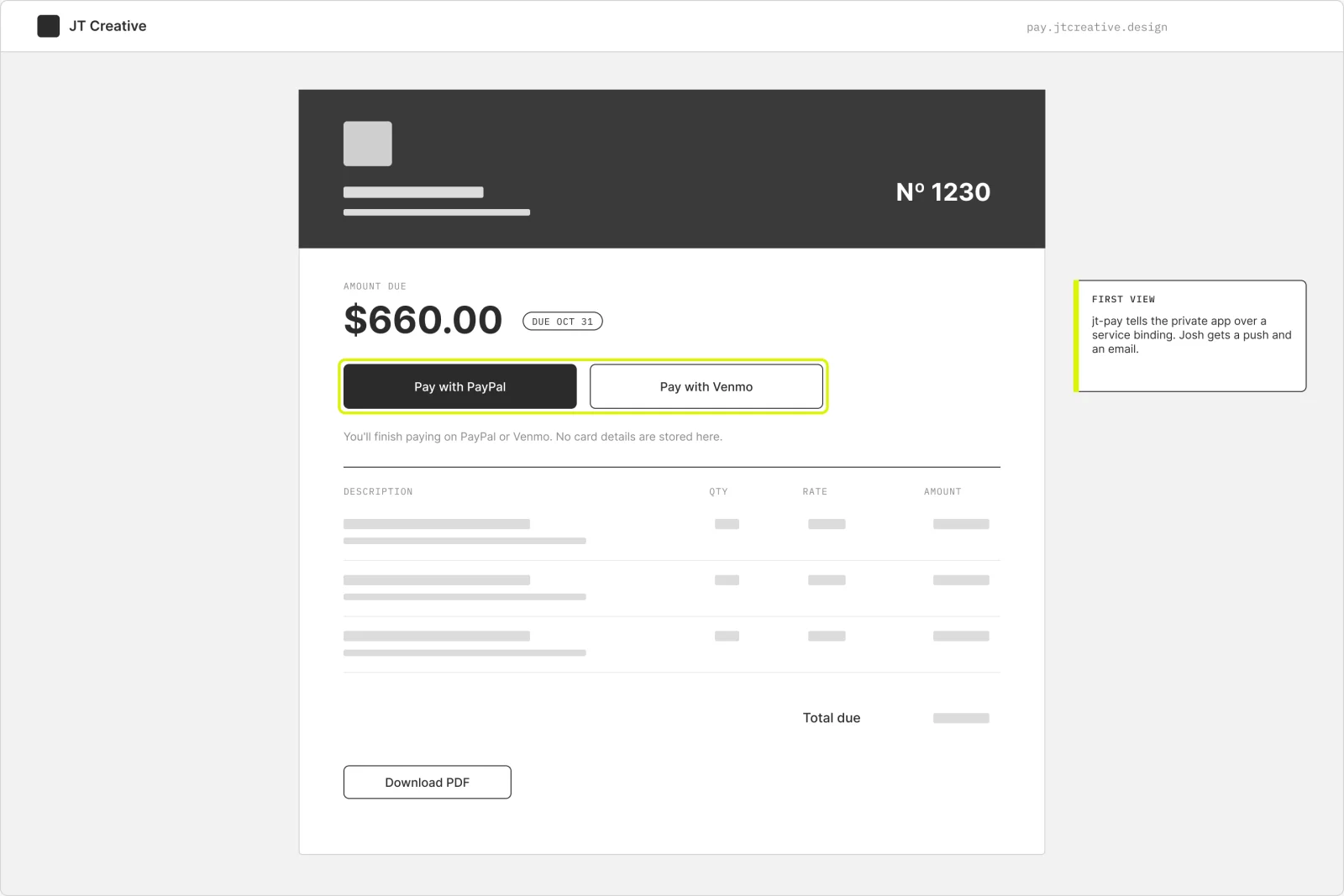
Client invoice page
What the client sees. It lives on its own public site, so the private app never has to be open to the internet. The first view pings me, and the pay buttons hand off to PayPal or Venmo.
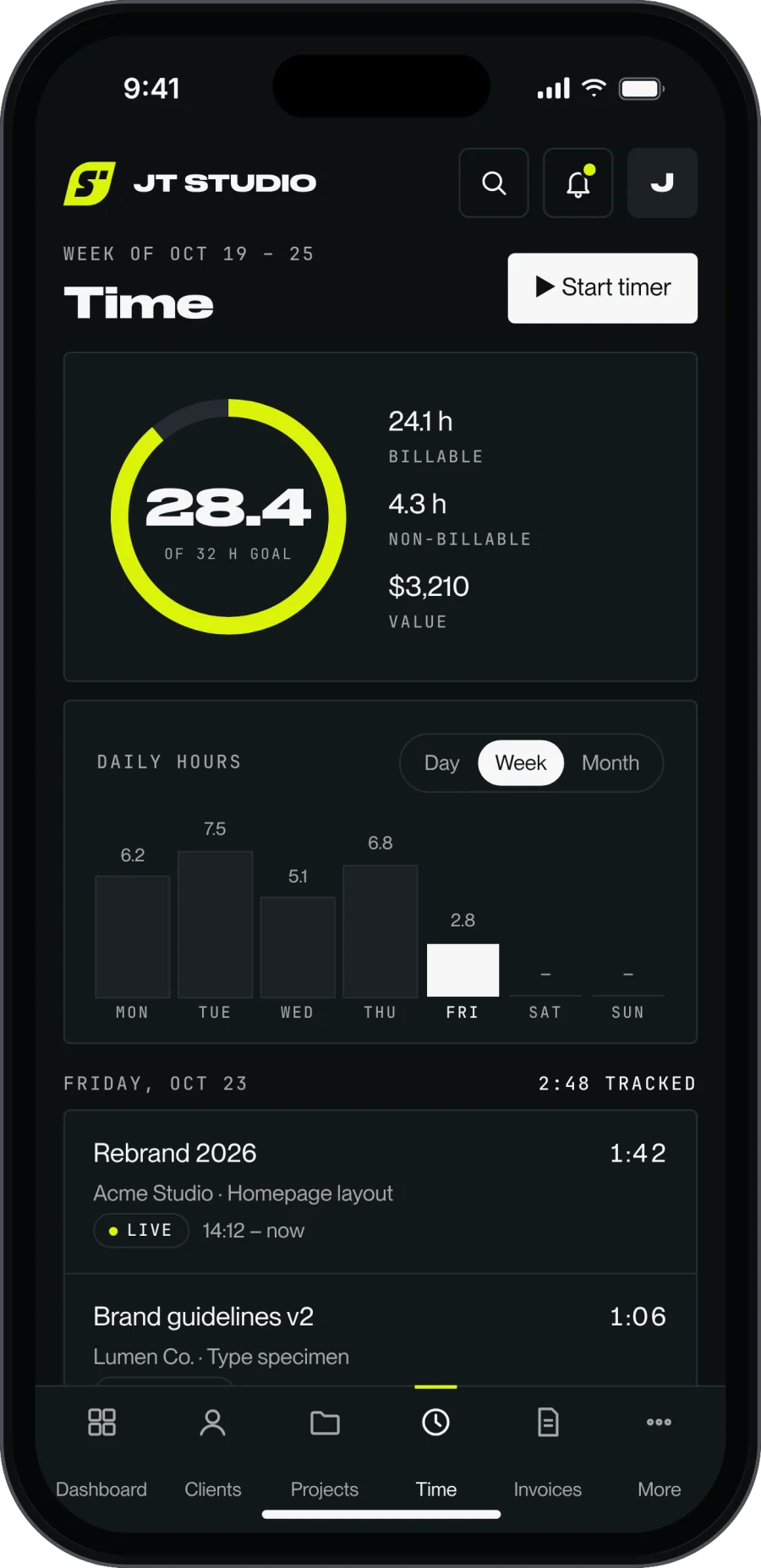
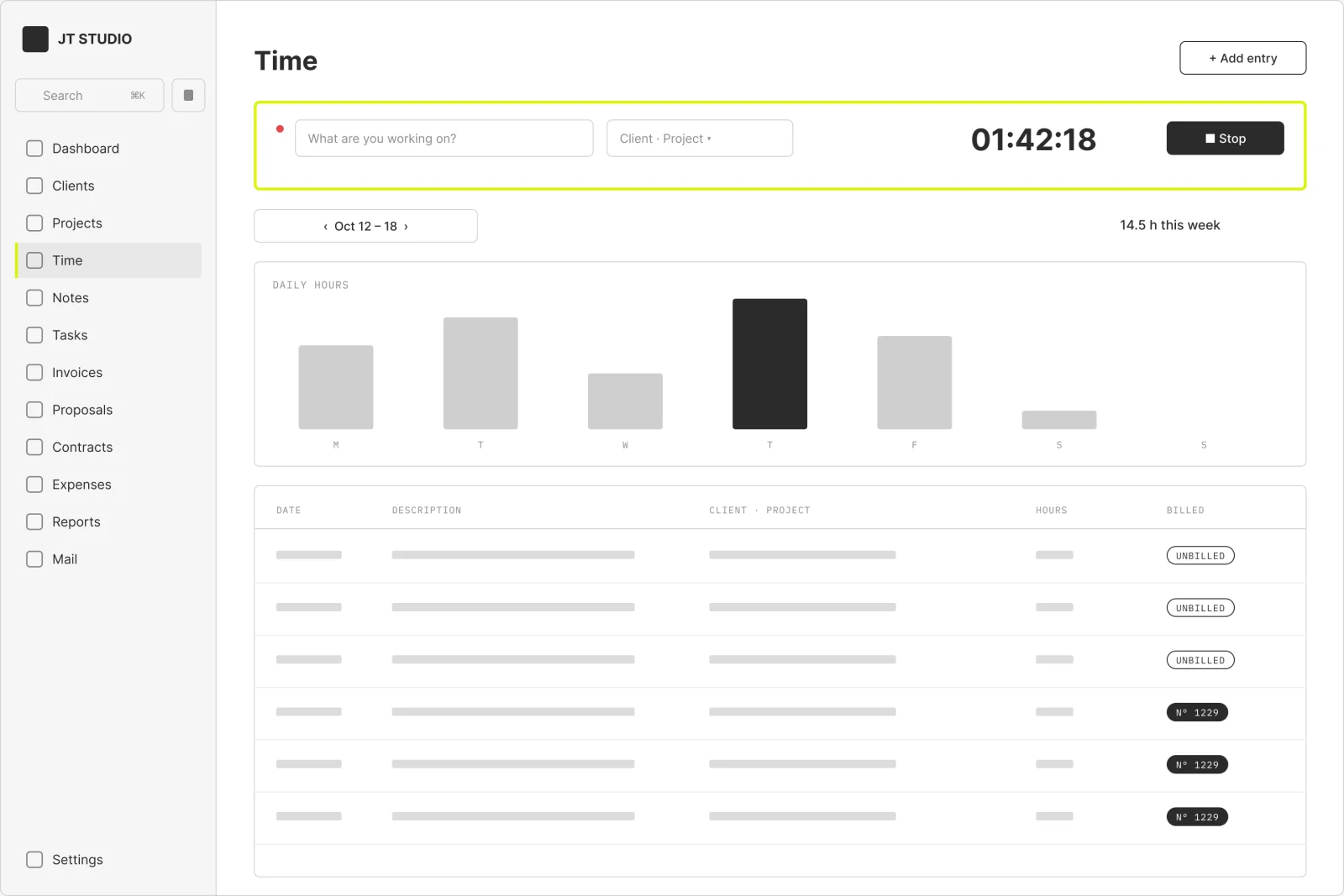
Time
A week grid with the running timer on top. Hours stay unbilled until an invoice pulls them in, which is how the editor knows to offer 15.6 hours for Acme.
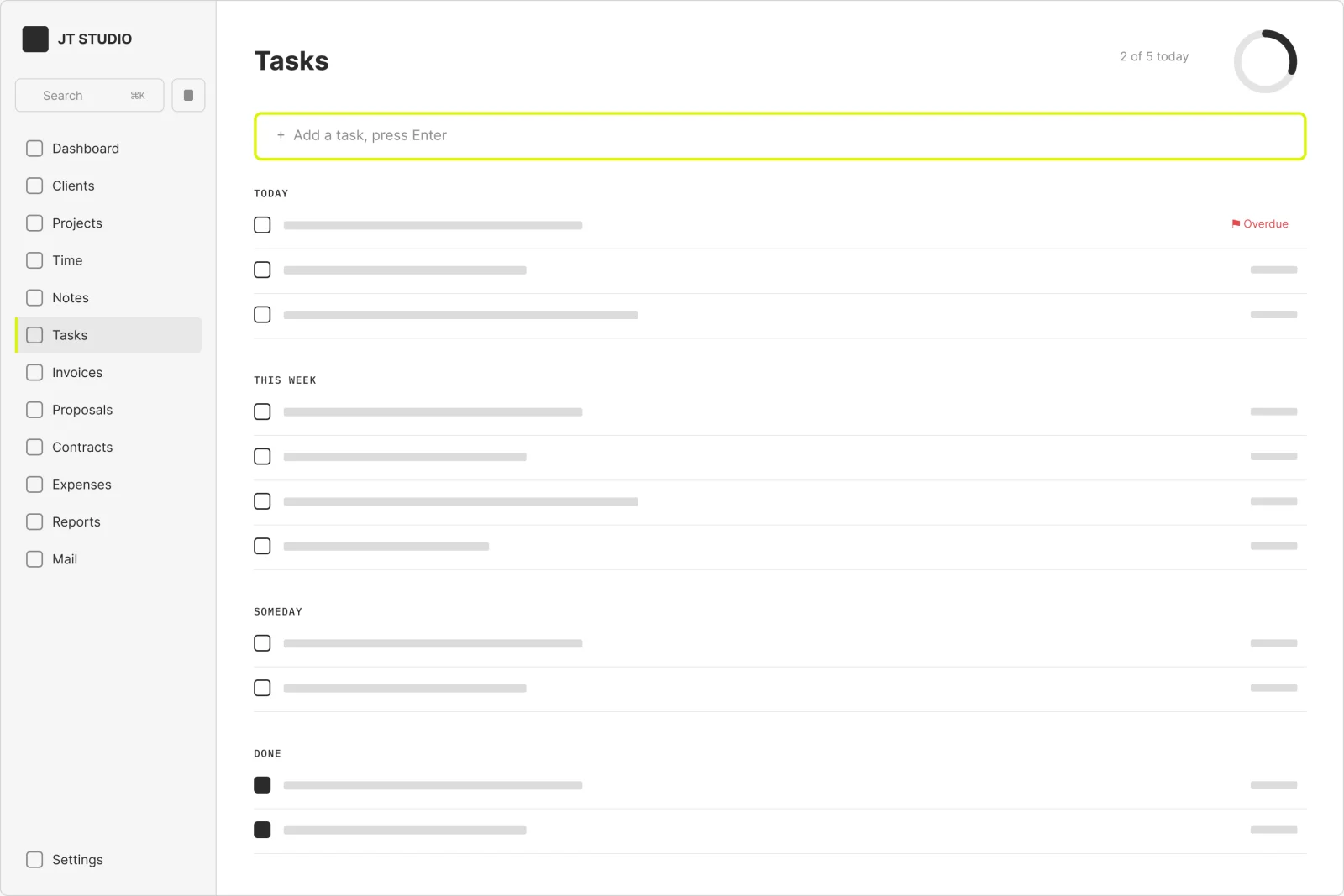
Tasks
Quick add on top, groups below, and a ring that fills as today's list gets done. Follow-ups like chasing an overdue invoice land here too, so money and to-dos share one list.
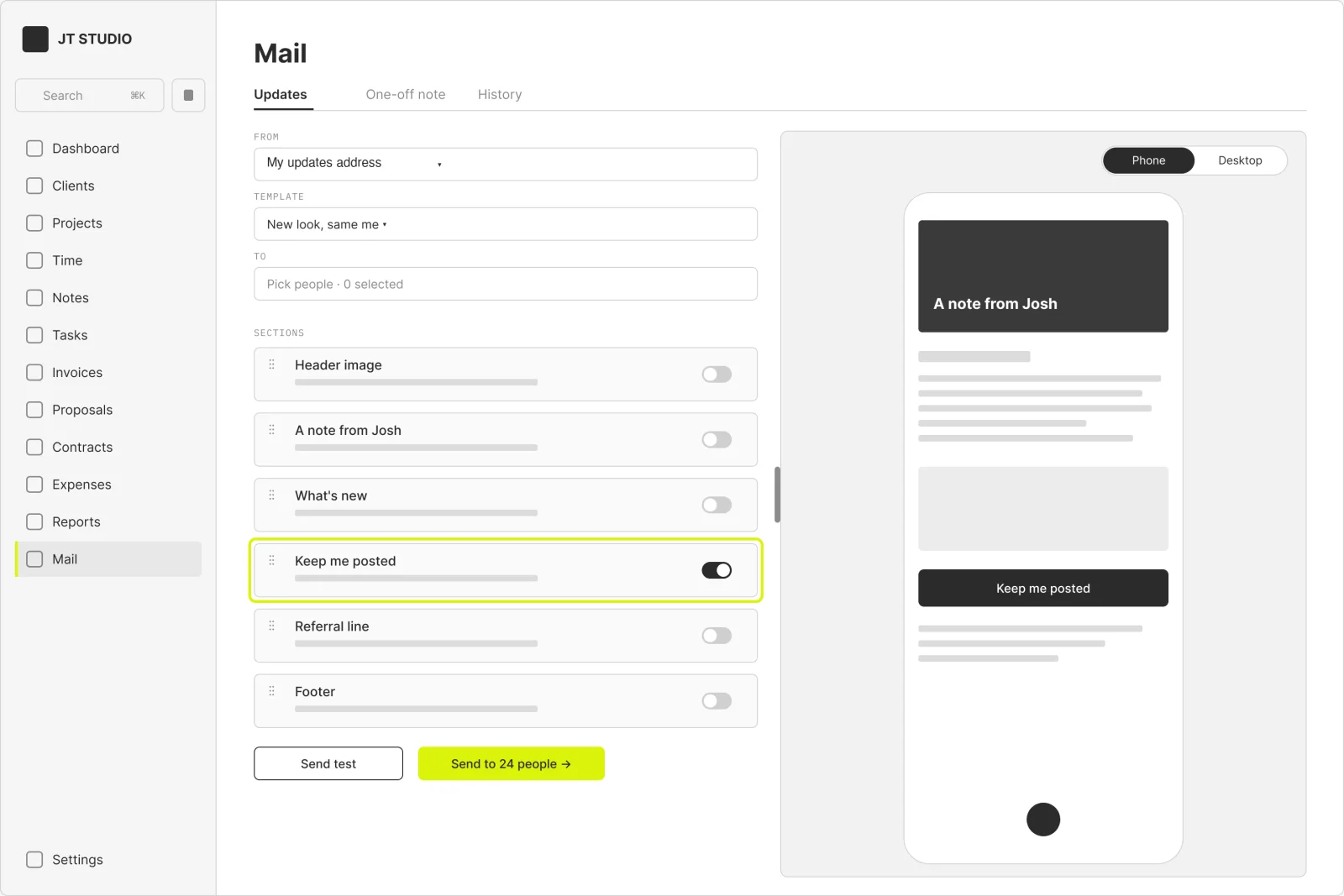
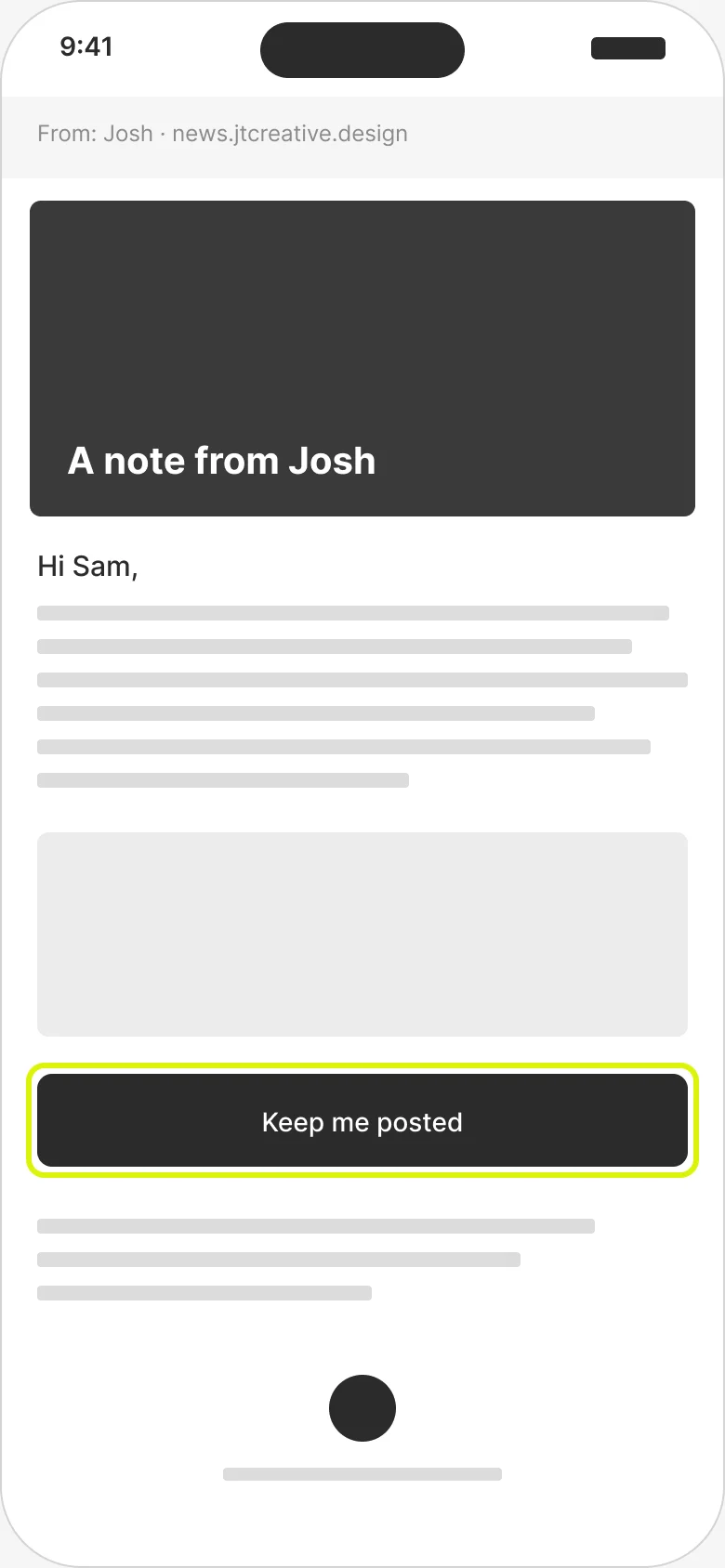
The newest part. Update emails are built from sections, previewed at phone or desktop width, and sent from a separate address. Link taps and Keep me posted replies come back to me as alerts.
Reports
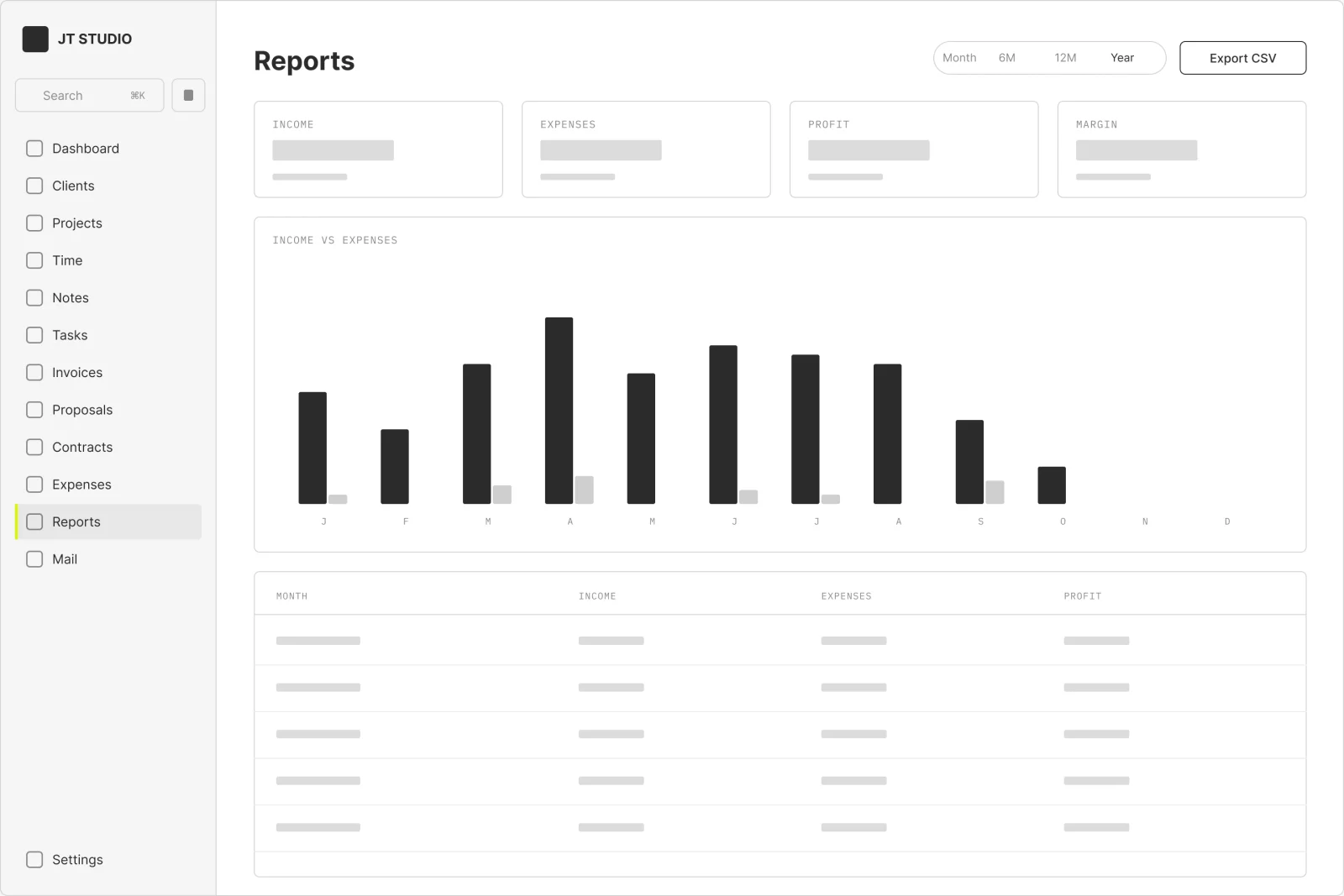
Income, expenses and profit by month, with a CSV export. Imported payments count on the day they were actually paid, so the totals match the bank.
On the phone
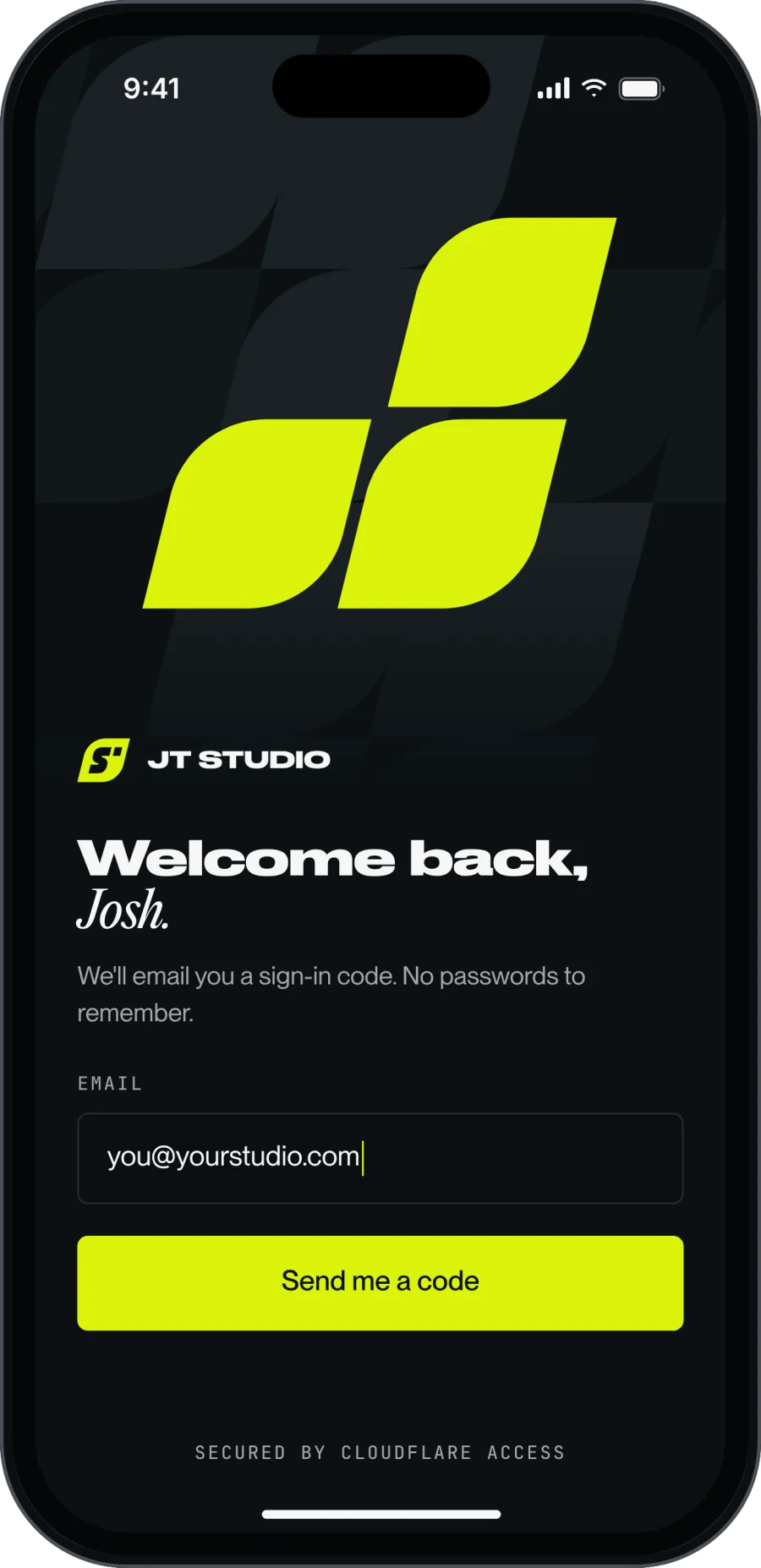
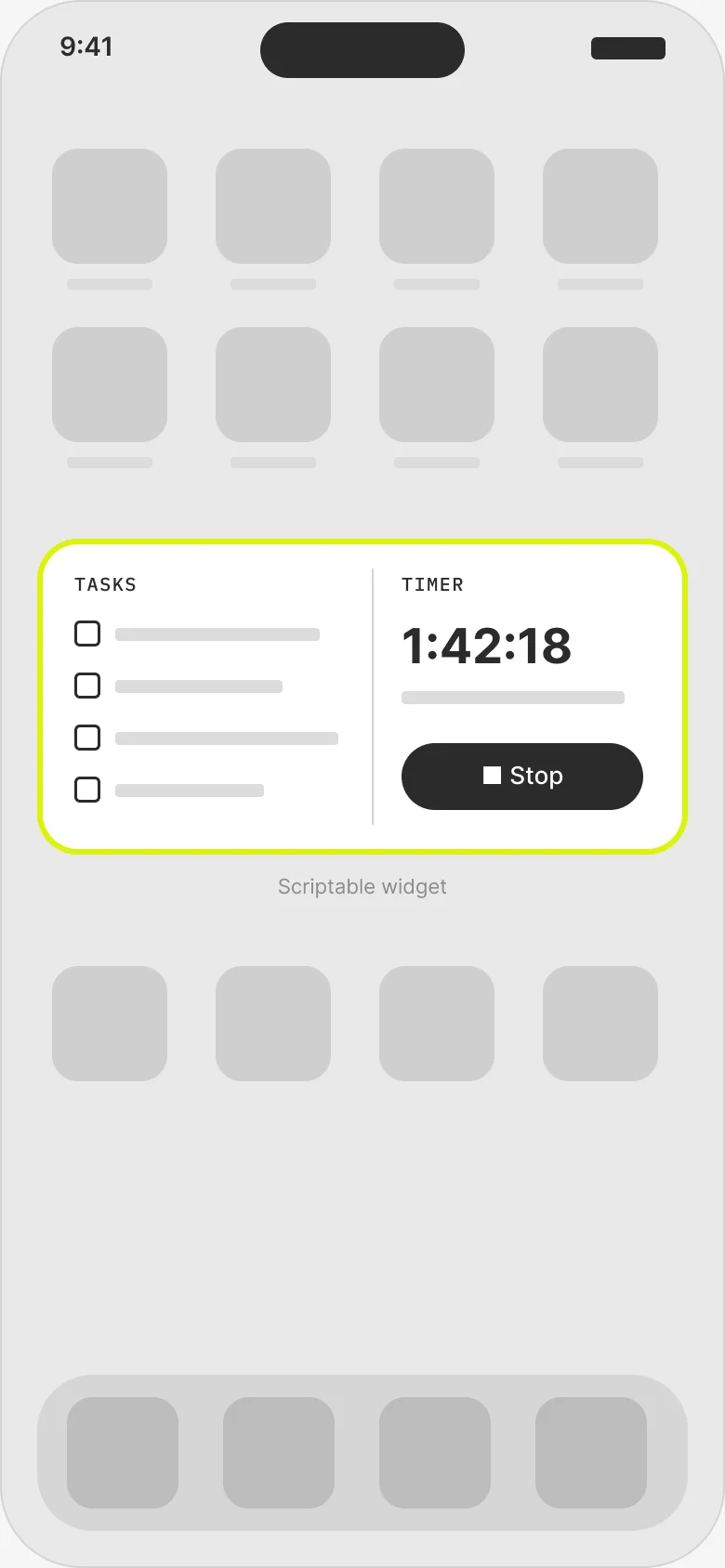
No App Store. JT Studio installs from Safari as a home screen app, and a free widget puts my tasks and the timer on the home screen.
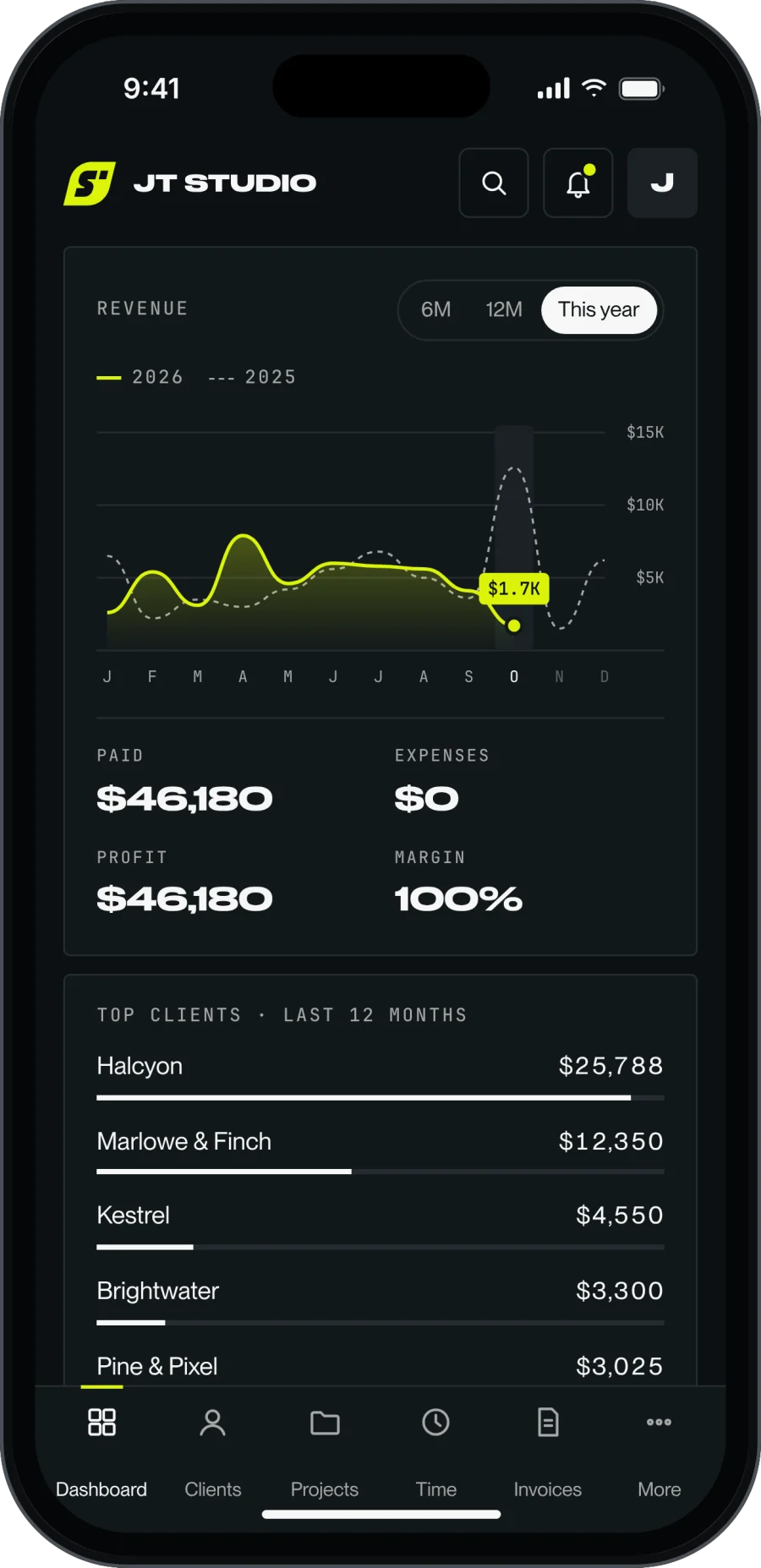
Dashboard
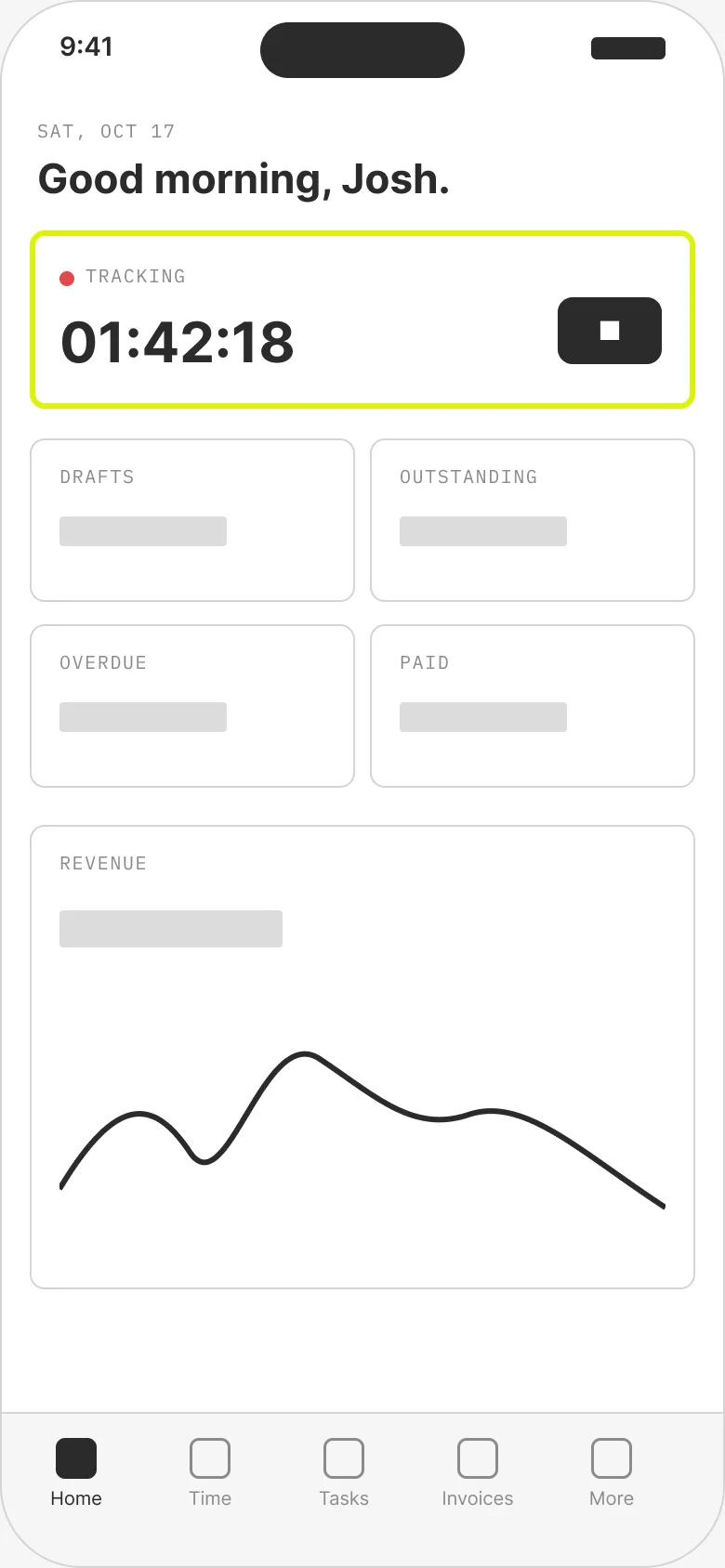
Same dashboard, stacked. A bottom tab bar covers the five screens I use daily; More holds the rest.
Client invoice
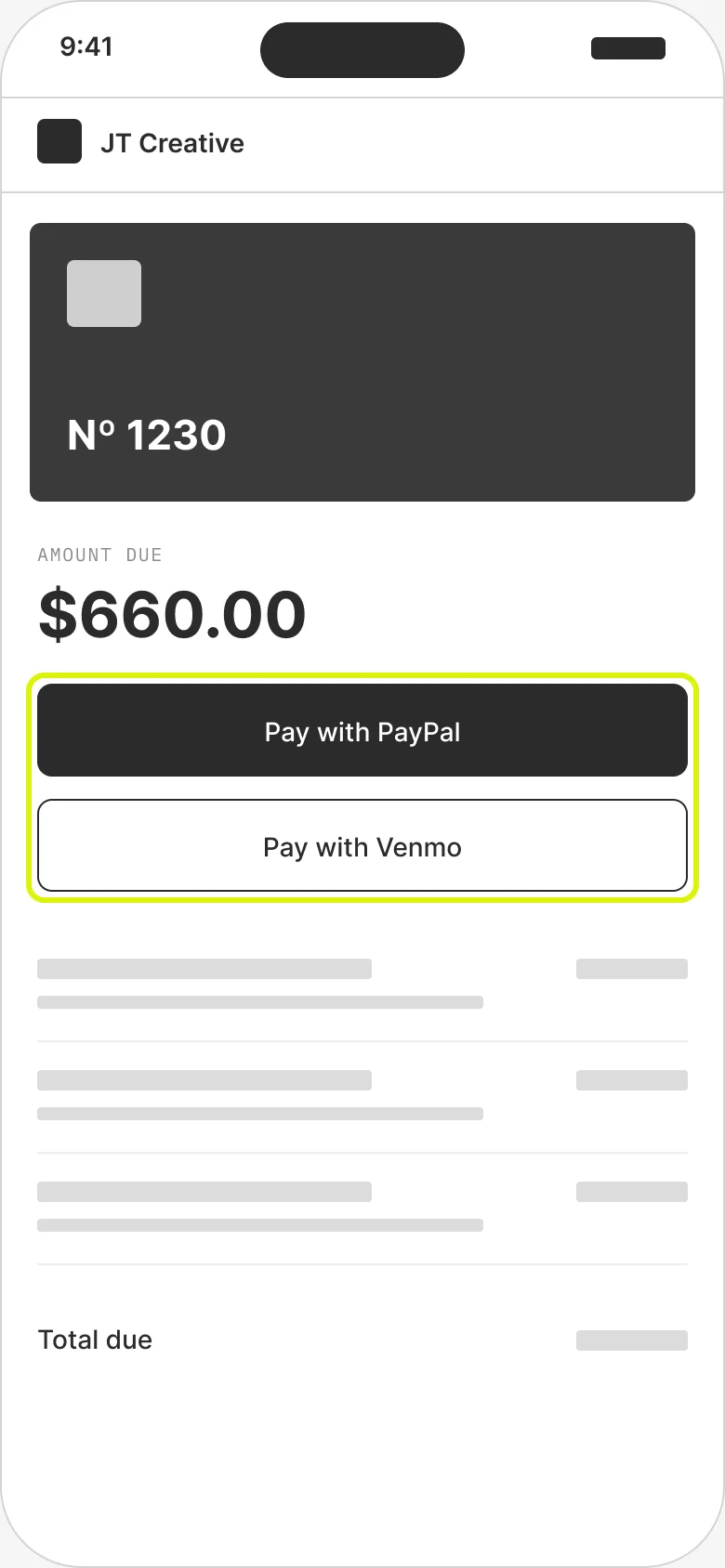
Most clients open the invoice email on their phone, so the pay buttons sit above the fold.
Update email
An update email. Keep me posted is a one-tap opt-in, and the first link tap from each person pings me.
Home screen widget
One medium widget: tasks on one side, the timer on the other. Tapping a task opens it in JT Studio.
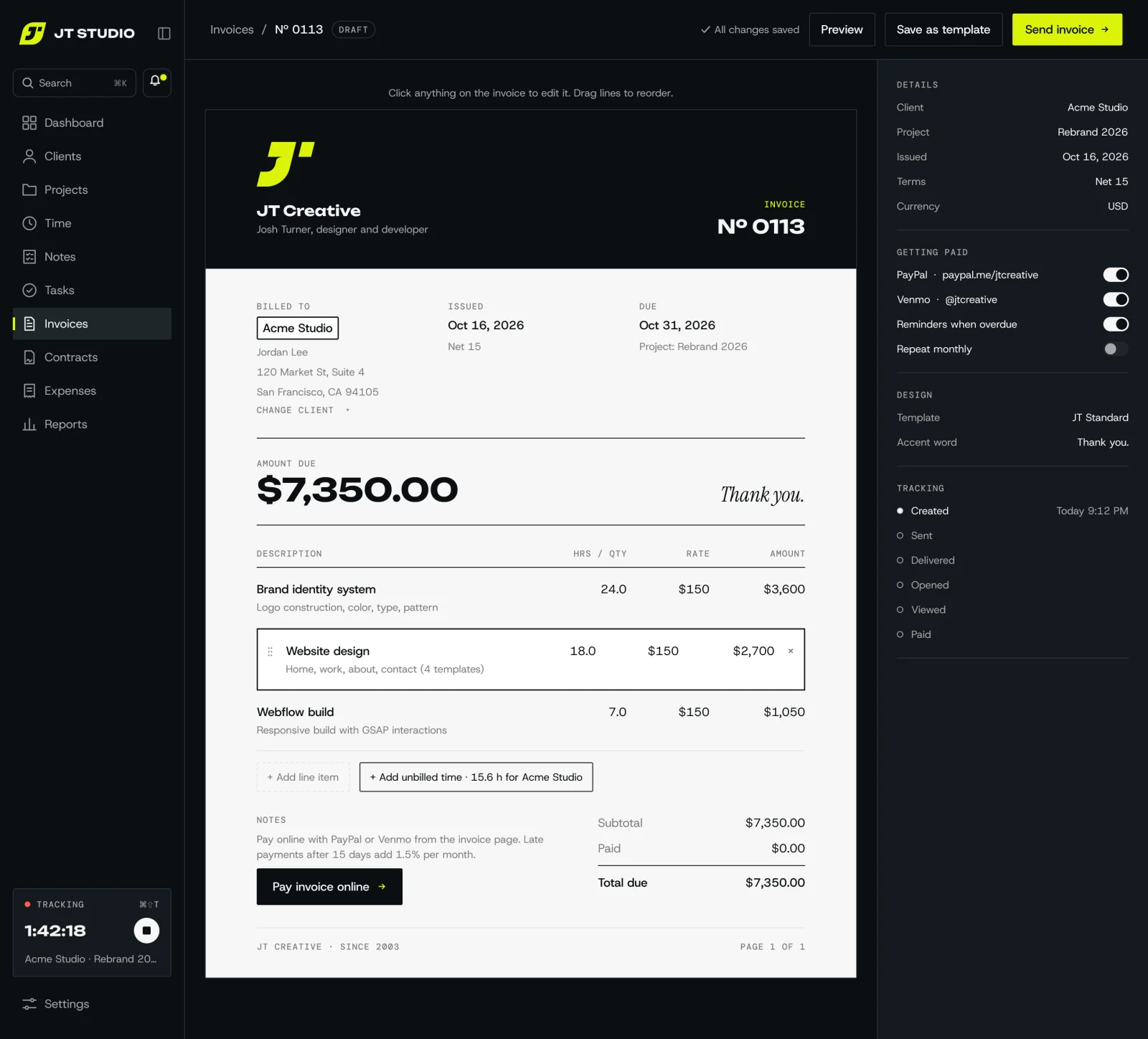
Invoice, start to finish
The finished app, following one invoice from the first line to the client opening it.
01
Editor
I click anything on the invoice to change it and drag lines to reorder. Unbilled time for the client is one tap away.
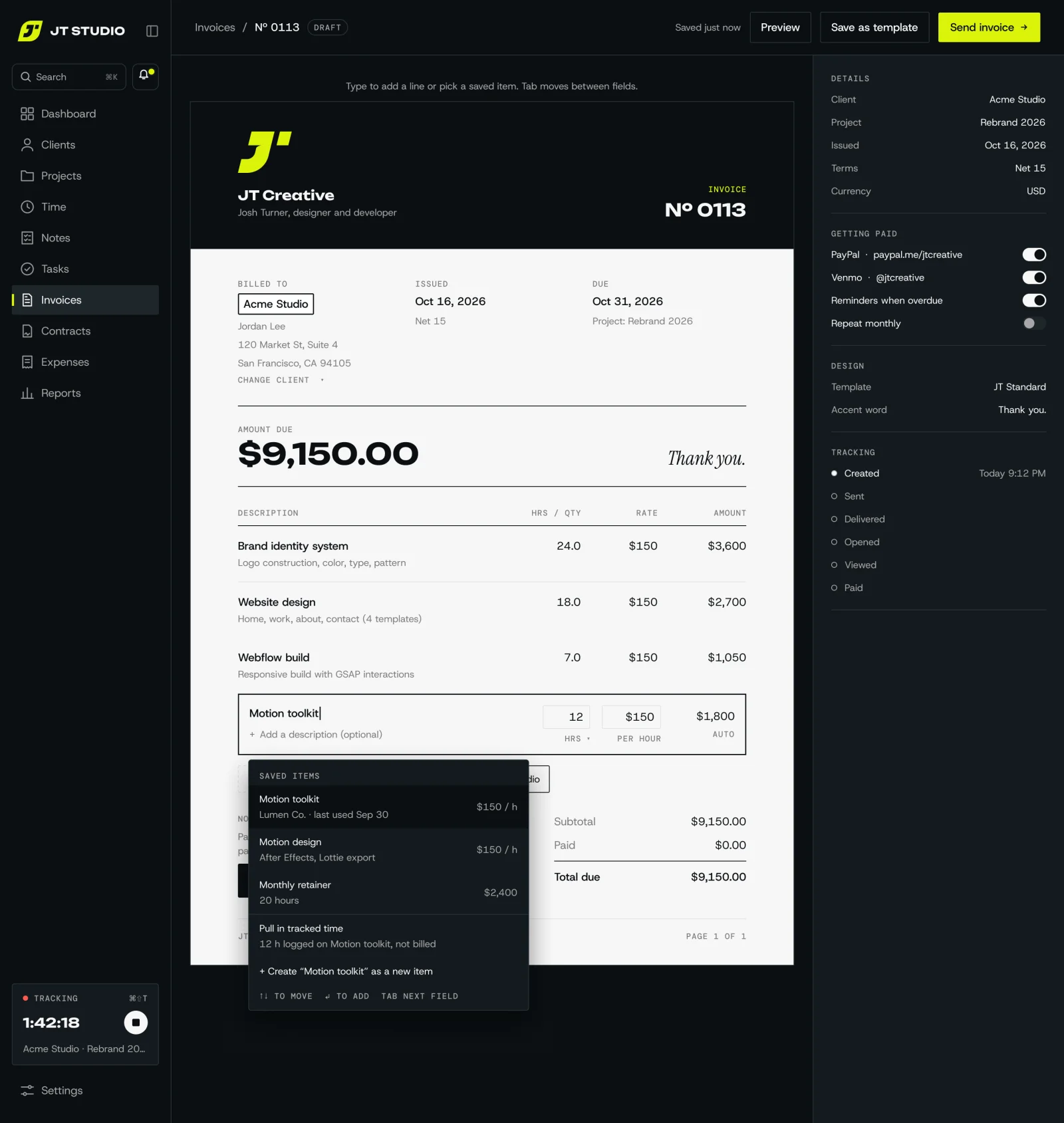
02
Adding a line
I start typing and saved items come up, or I pull in hours I've already tracked, so nothing gets typed twice.
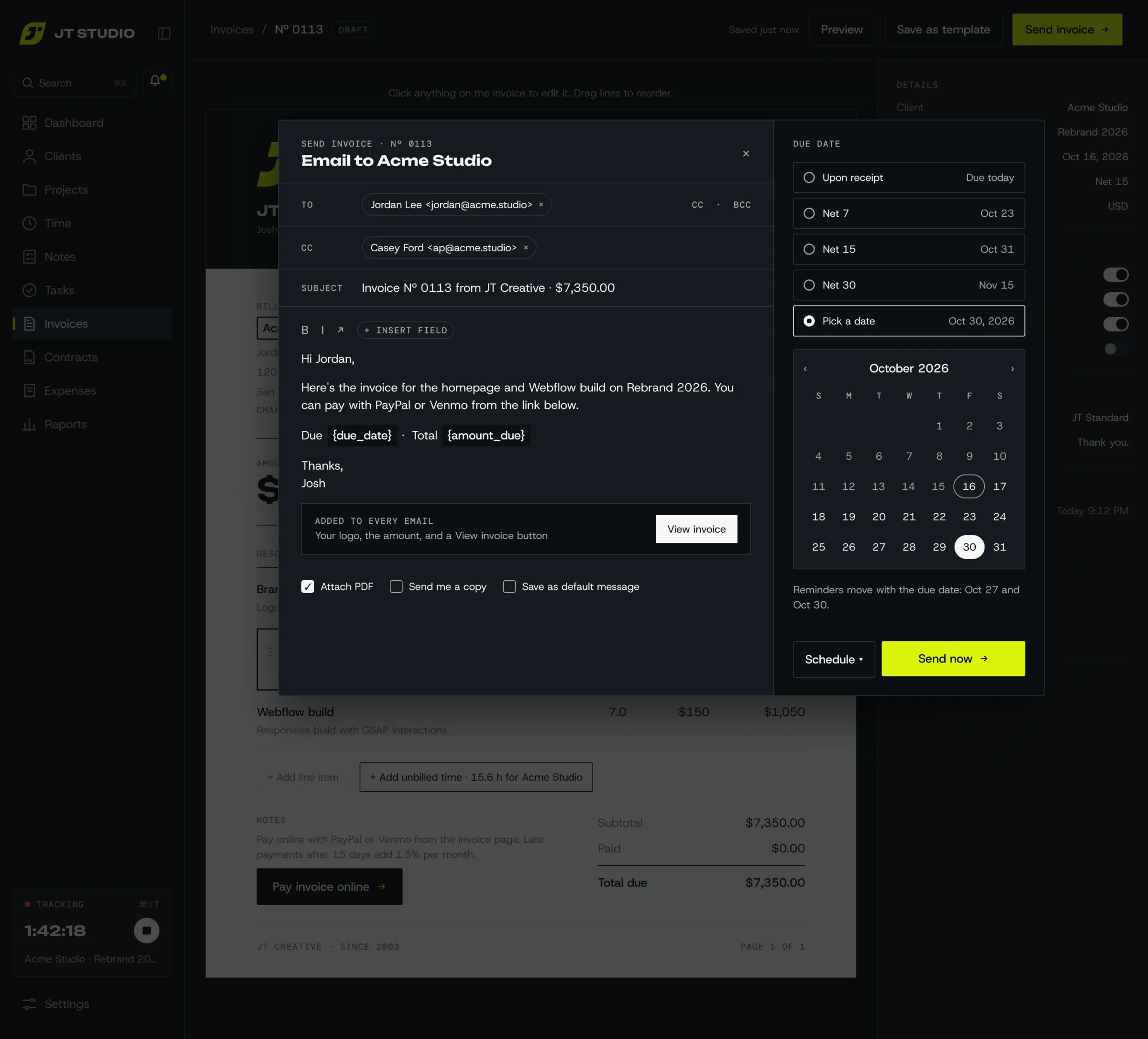
03
Send
I write a short note, pick the due date, and the reminders move with it. Every email carries my logo, the amount and a View invoice button, and I can send now or schedule it.
04
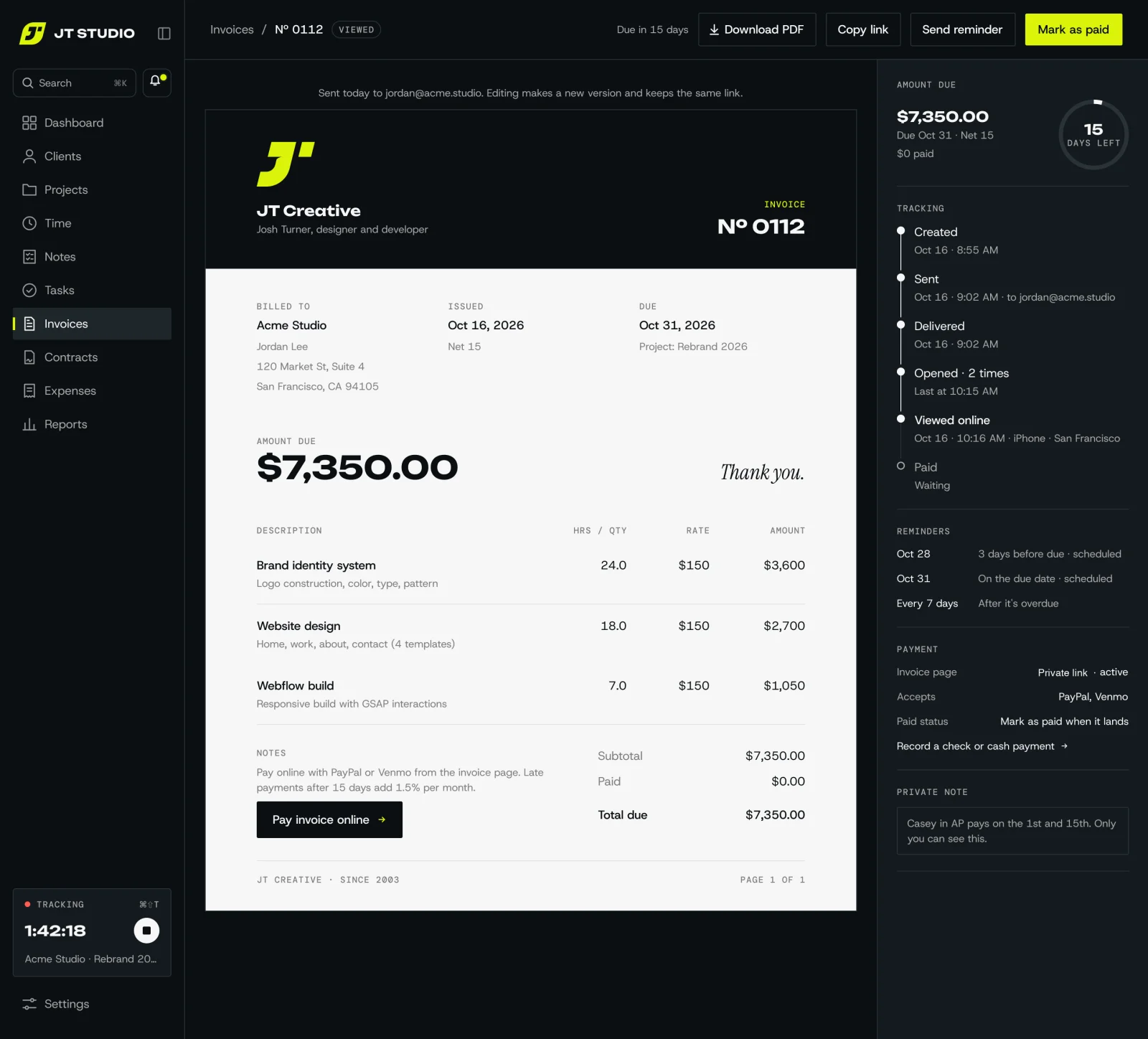
Sent and tracking
I can see when it was delivered, opened and viewed, reminders are already scheduled, and I mark it paid when the money lands.
Added since launch
Late fees
I see how late an invoice is and add a percentage or a flat fee, or let Studio add it after a set number of days.
Know it arrived
Each invoice email shows whether it was delivered, and my own opens or a mail scanner no longer count as the client viewing it.
More than one contact
Several people at a client can get the same invoice, like the project lead and accounts.
Time straight to an invoice
A floating timer on my Mac stays open while I work and adds the hours to an invoice when I stop.
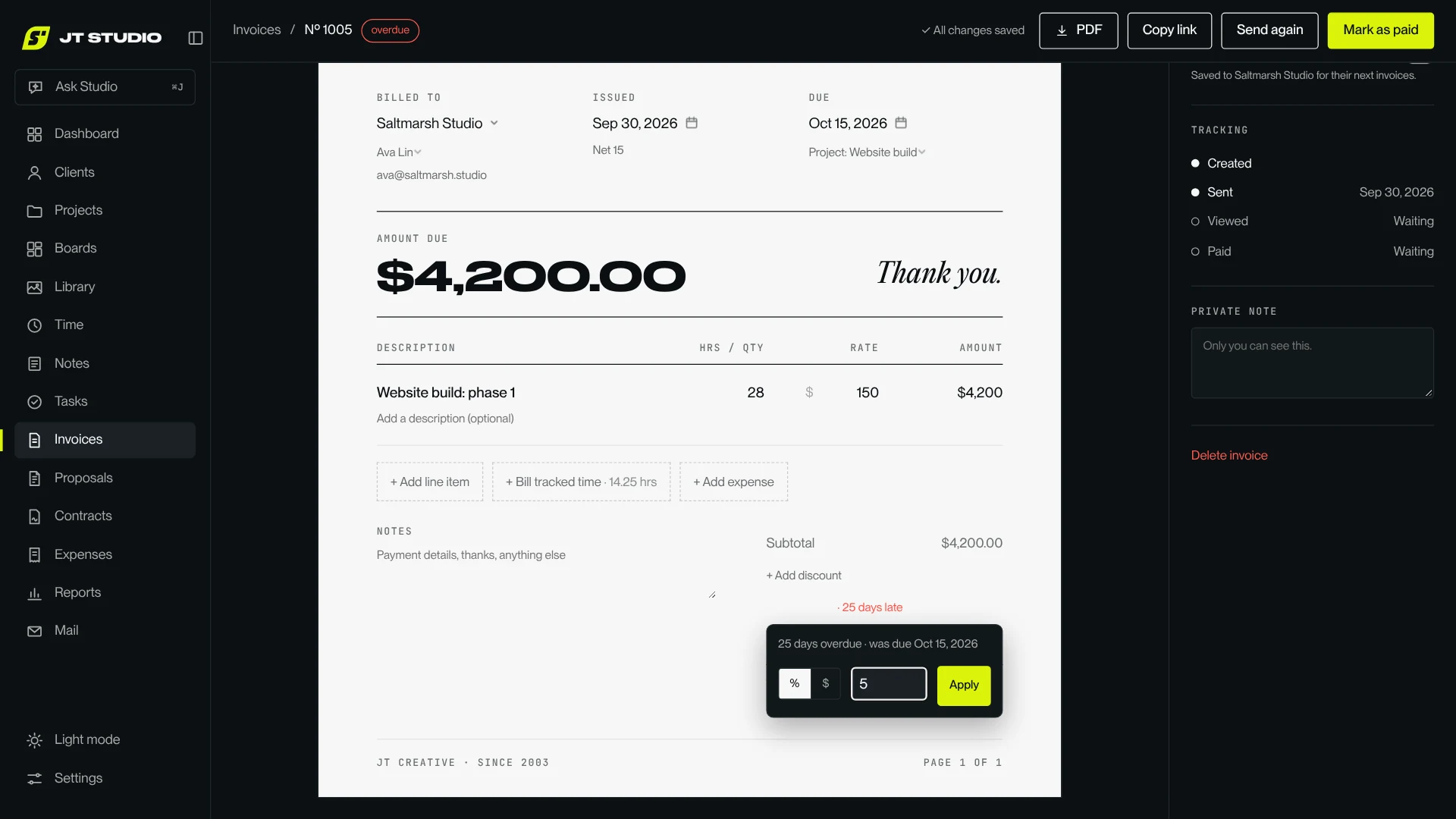
Adding a late fee to an invoice that's 25 days overdue.
Boards
After launch, Studio grew a place to think. Boards are open canvases for moodboards, notes and sketches, tied to a client or a project.
A mood board for Kova: the wordmark, colours, construction notes and mockups in one place.
Drop anything in
Notes, links, to-do lists, colours, images and anything already in Studio. I paste a screenshot or a link and it becomes a card.
Draw on it
A pen and pencil that work with my Wacom, shapes, a path tool with points I can edit, and grids I can tilt. It all exports as SVG.
Works on my phone
Pinch to zoom, a toolbar under my thumb, and hold and drag to delete. I catch ideas on the go and tidy them at my desk.
Boards inside boards
Columns and nested boards keep big projects tidy, and any card can be the cover on the Boards page.
Creative tools
Two editors for the media I make every week, plus a way to change how the whole app looks.
SVG studio
I animate logos and icons on a timeline: move, fade, draw on and morph shapes, stagger a group, or send a layer along a path. A shape library gives me fresh patterns to start from, and it all exports as an animated SVG, MP4 or GIF.
Video editor
Made for my screen recordings. I cut, frame and drop them on a background, add smooth zooms and captions from the soundtrack, then export every size I need at once.
Themes
I pick a colour palette and a type style for the whole app, or give one board its own look so I see it the way a client would.
SVG studio. The Kova wordmark's four shapes staggered into place.
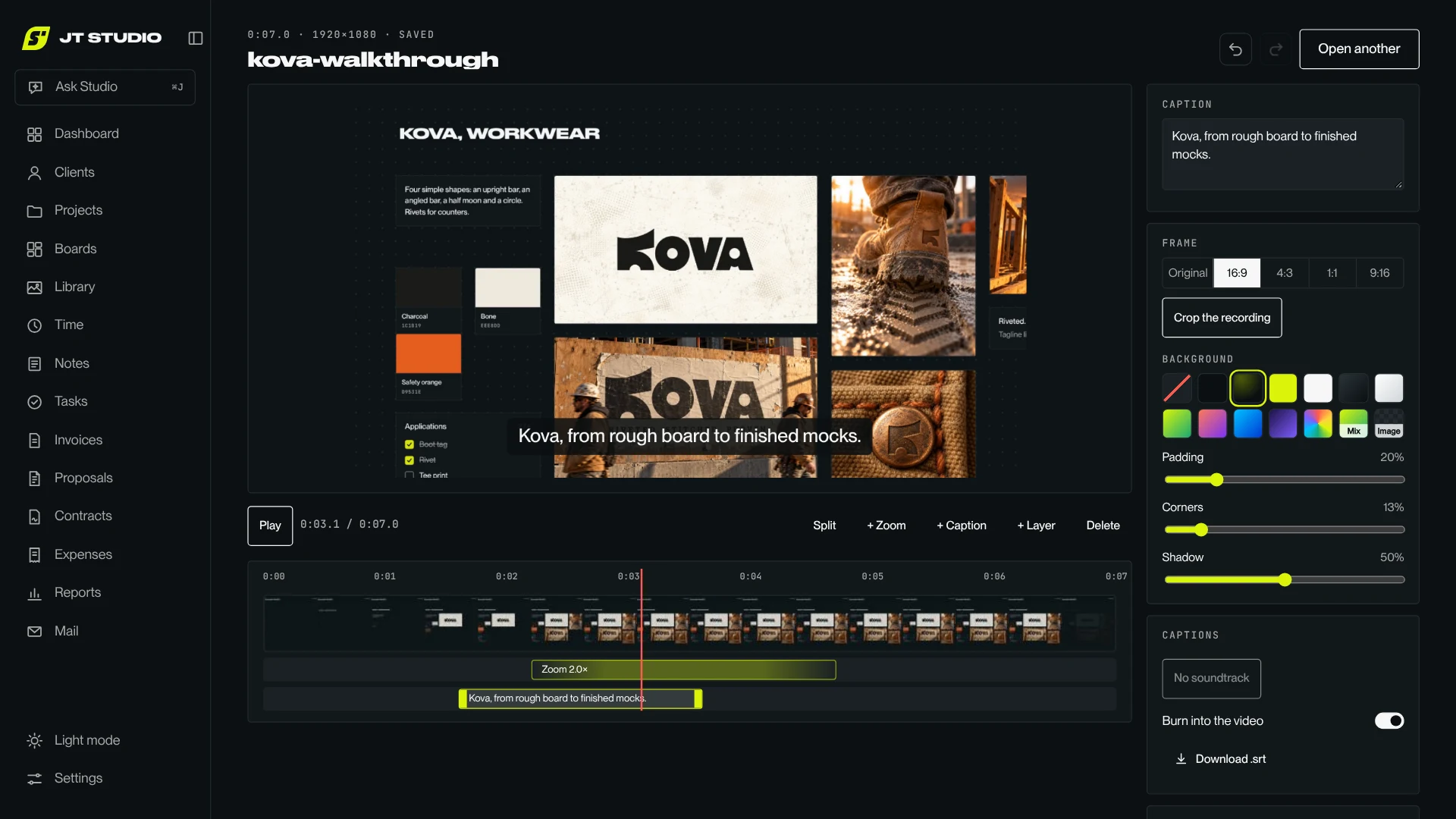
Video editor. A Kova walkthrough with a zoom and a caption.
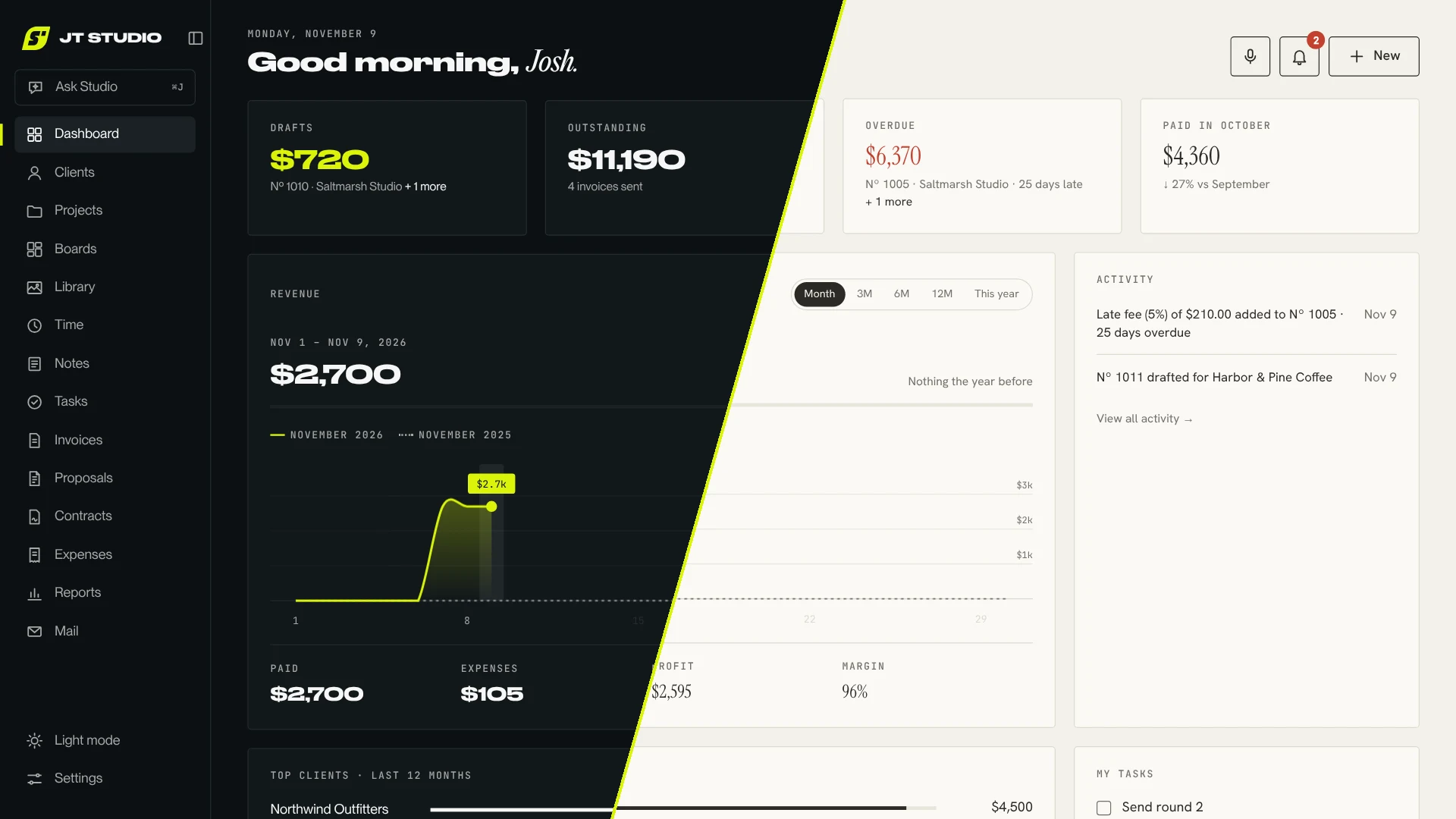
Themes. The same dashboard in a dark and a light palette.
Ask Studio
A chat about my business, one shortcut away on any page. I ask in plain words, typed or spoken.
I ask for an invoice in plain words. It drafts it, and I confirm.
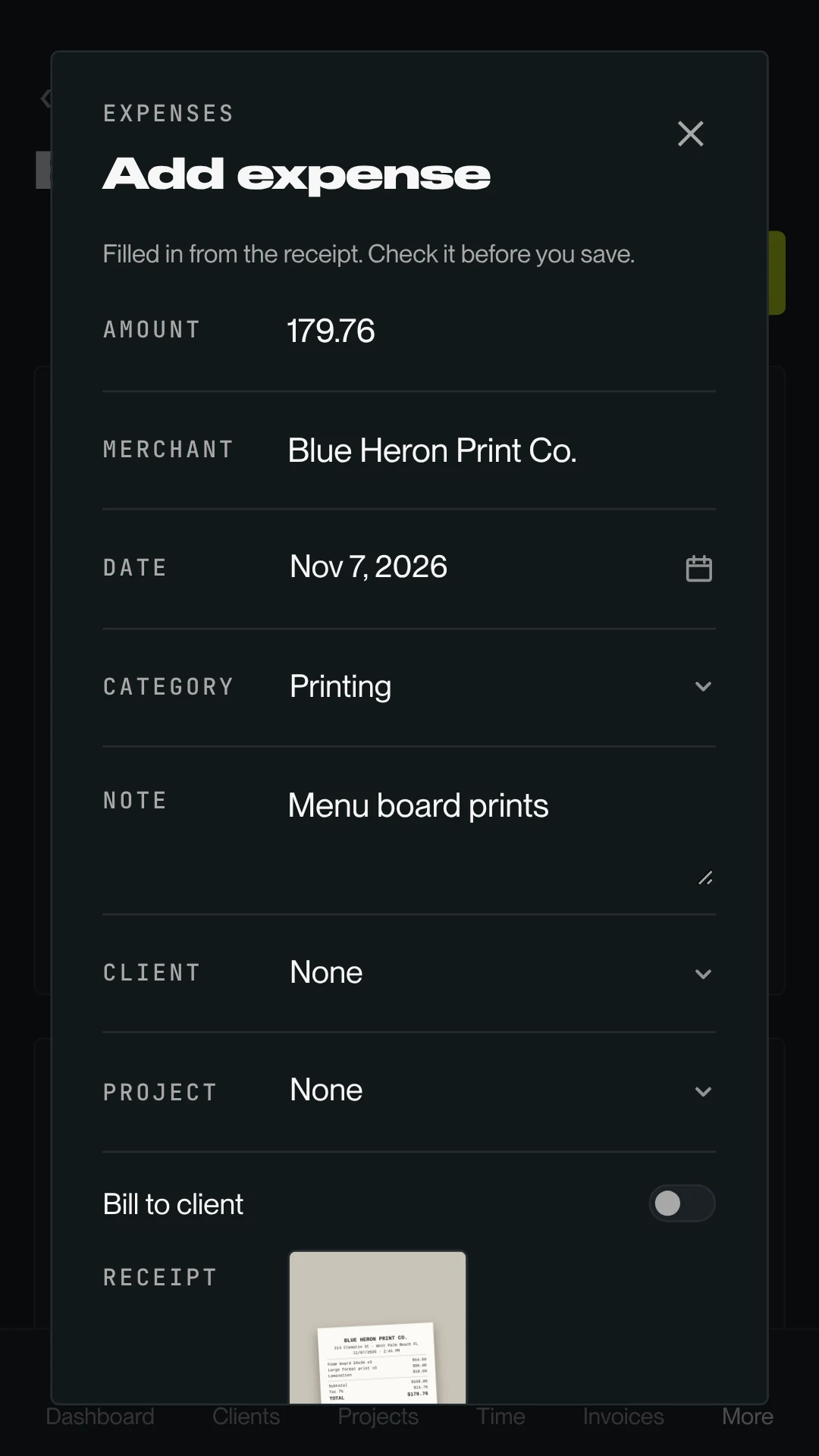
A print shop receipt, filled in and ready to save.
Answers from my own data
Who owes me money, how many hours went into a project, what I earned last quarter. Every answer links straight to the record.
Does the busywork
From one sentence it can set up a client, draft an invoice, add tasks or log time. Nothing is saved until I confirm it, and it can't send anything or touch payments.
Reads my receipts
I snap a receipt and the expense fills itself in: vendor, date, total and category, ready for me to check and save.
Voice notes
I record a thought on a walk and it lands in Notes as text.
App map
Every page in the sidebar, and what it does.
Dashboard
Today at a glance
Clients
My mini CRM
Projects
Work in progress
Boards
Moodboards and sketches
Library
Every file, filed
Time
Every tracked hour
Notes
Typed or spoken
Tasks
My to-do list
Invoices
Getting paid
Proposals
Winning the work
Contracts
Signed agreements
Expenses
Money out
Reports
How the business is doing
Updates to clients
Settings
Set once
How it works
A private app only I can get into, a public side clients use, and a few outside services doing the heavy lifting.
Me
On my iPhone home screen and my Mac, plus the widgets.
Clients
Open invoices and updates on any phone or browser. No login needed.
→
I sign in
→
Clients open a link
The private app
Clients, projects, time, tasks, notes, invoices, expenses and reports. Only I can sign in. It flags overdue invoices and pings me.
The client side
Invoice pages, pay buttons and unsubscribe links on my own domain. It can show an invoice and tell the app what happened, nothing more.
One database
Every client, invoice, hour and task in one place, shared by both sides.
→
Alerts to my phone and Mac
→
Emails to client inboxes
→
Clients tap to pay
Push alerts
Apple and Google deliver alerts and the icon badge to my devices.
Invoices come from my own address, updates from a separate one.
PayPal · Venmo
Clients finish paying there. No card details are ever stored.
One-time import
Years of history pulled in once from my old invoicing app.
What's next
A client portal, so clients have one place for everything we're working on together, starting with boards I can share with them.